
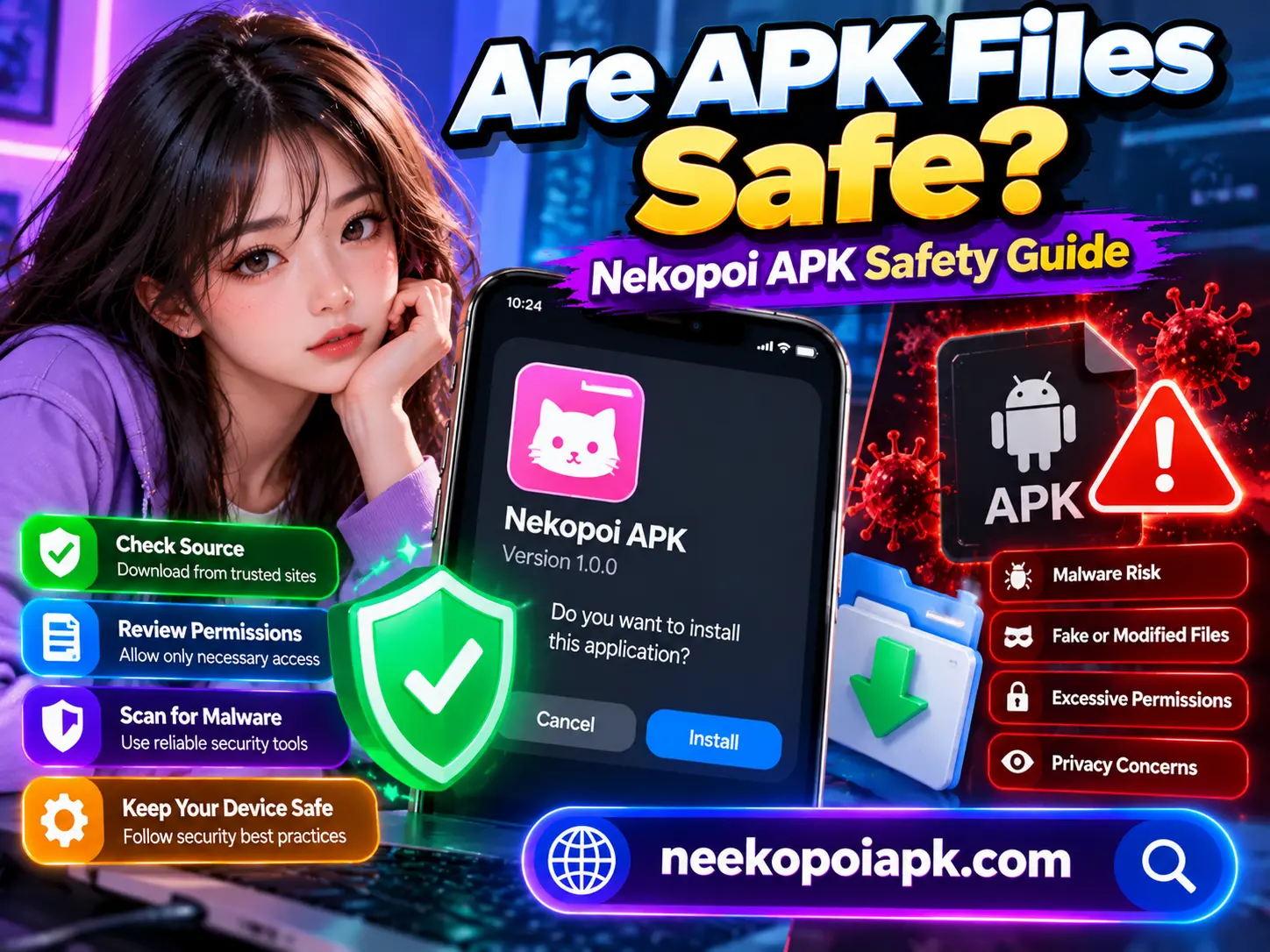
Are APK Files Safe?
APK files make it possible to install Android applications outside the Google Play Store. However, not every APK file is trustworthy. Some files may contain malware, request unnecessary permissions, or expose personal information.
If you are considering Nekopoi APK, understanding APK safety is especially important before downloading or installing anything. This guide explains how APK files work, the risks to watch for, and practical ways to protect your Android device.
What Is an APK File?
APK stands for Android Package Kit. It is the file format Android uses to distribute and install applications. An APK contains the components needed to install an app, including its code, resources, and other supporting files.
Google Play usually handles installation automatically. When you download an APK from a website, you may need to approve installation from that source in your Android settings.
Installing an APK manually is not automatically dangerous. However, the file’s source, integrity, permissions, and behavior determine much of its safety.
Is Nekopoi APK Safe to Download?
The safety of Nekopoi APK depends on the specific file and where you obtain it. A website’s claim that a download is safe does not guarantee that the file is free from malware.
Different websites may distribute different versions under the same app name. Some files may also be modified without the original developer’s knowledge.
Before installing Nekopoi APK, consider these precautions:
- Verify the website and the identity of the file provider.
- Check the version number and release information.
- Scan the downloaded file with reputable security software.
- Review the permissions requested during installation.
- Avoid files that require unrelated apps or suspicious configuration changes.
- Do not enter passwords or payment details into untrusted apps.
If you cannot establish where the file came from, the safest choice is not to install it.
Common Security Risks of APK Files
Understanding common threats can help you recognize suspicious downloads before they affect your device.
Malware and Viruses
A malicious APK may contain code designed to steal information, display intrusive advertisements, or perform unwanted activities in the background.
Some harmful apps disguise themselves as legitimate applications. Their icons and names may look familiar, making them difficult to identify through appearance alone.
A security scan can help detect known threats, although no scanner can guarantee complete protection.
Excessive App Permissions
Applications sometimes request access to sensitive device features. Depending on their purpose, these may include contacts, location, camera, microphone, or files.
An entertainment app should have a reasonable explanation for every sensitive permission it requests. If the permissions seem unrelated to its main function, investigate before continuing.
On Android, you can review and manage app permissions through your device’s settings.
Modified or Fake APK Files
Unofficial websites may offer modified versions that promise unlocked features or an improved experience. These modifications can introduce security risks or change how the application behaves.
Do not assume that a file is authentic simply because its filename contains the correct app name or version number.
Privacy and Data Collection
Some applications collect information about device usage or user activity. An untrustworthy app may handle that information poorly or send it to unexpected destinations.
Read the available privacy information and avoid providing personal details unless there is a clear reason to do so.
How to Check Whether an APK Is Safe
You can follow a few practical steps before installing Nekopoi APK or another Android application.
Check the Download Source
Prefer official developer websites or reputable app stores whenever possible. If a third-party site provides the file, check its ownership information, release notes, and download details.
Be careful with websites that use misleading download buttons, aggressive pop-ups, or forced redirects.
Scan the APK File
Use a reputable mobile security application to scan the downloaded file. You can also consider a well-established multi-engine file-scanning service.
However, avoid uploading files containing private information to public scanning services without understanding their privacy policies.
Review the File Details
Check the application name, version, package information, and developer details when available. Unexpected differences between the advertised app and the downloaded package deserve further investigation.
A matching name alone is not proof of authenticity.
Review Android’s Security Warnings
Android may warn you about an unknown application or block a suspicious installation. Do not automatically bypass these protections.
Investigate the warning and verify the file before deciding whether to proceed.
What Should You Do After Installing a Suspicious APK?
If you suspect that an APK is unsafe, take action promptly.
- Uninstall the application if you no longer trust it.
- Run a security scan using a reputable mobile security tool.
- Review permissions and revoke suspicious access where possible.
- Check for unusual activity, such as unexpected pop-ups, battery drain, or unfamiliar apps.
- Change important passwords from a trusted device if you believe your credentials may have been exposed.
- Contact your bank or service provider if you notice suspicious financial activity.
If the device continues to behave unusually, back up essential personal files and consider seeking professional technical support. A factory reset may be necessary in serious cases, but it should not be your first step without considering your backup and recovery options.
Are APK Files Safer Than Play Store Apps?
Neither installation method guarantees complete safety. Google Play uses security checks and app review processes, but harmful applications can occasionally get through. Third-party APK sources may offer legitimate files, but their verification standards vary considerably.
For most users, Google Play or an official developer source is the preferred option because it generally makes app authenticity and updates easier to verify.
If you choose to install an APK manually, take additional care with the source and requested permissions.
Frequently Asked Questions
Can an APK steal my personal information?
Yes. A malicious APK may attempt to access sensitive information or collect data through permissions and other methods. Risk depends on the app’s code, permissions, and device protections.
Does antivirus software guarantee APK safety?
No. Security software can identify many known threats, but new or modified malware may escape detection.
Should I disable Android security to install Nekopoi APK?
You should not disable security protections simply to complete an installation. If Android blocks a file, investigate the reason rather than bypassing the warning.
Is every APK from a third-party website dangerous?
No. Some third-party sources distribute legitimate files. However, you should verify the source and file integrity before installing anything.
Final Verdict
APK files can be useful, but their safety depends on where they come from and how they behave. Before installing Nekopoi APK, verify the source, scan the file, review permissions, and pay attention to Android security warnings.
When a download’s authenticity cannot be established, avoid installing it. A few careful checks can reduce security risks and help protect your Android device and personal information.